searching opportunities with the reference field

Ticket - https://cin7.zendesk.com/agent/tickets/281050
Organisation - Elonics cc
When we navigate to opportunities list view , under the settings drop down we do not see the field “Reference”. Please refer to the screenshot below for guidance.
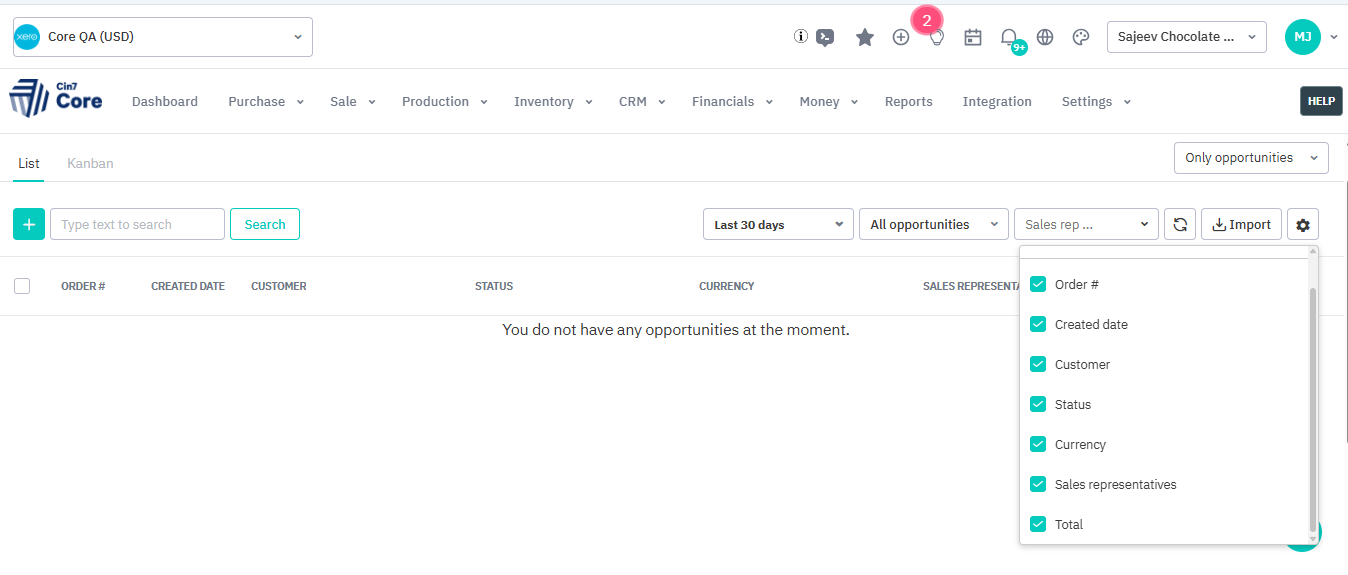
The customer requests us to add the field “reference” to appear in this dropdown, so that they can easily check the reference at once.
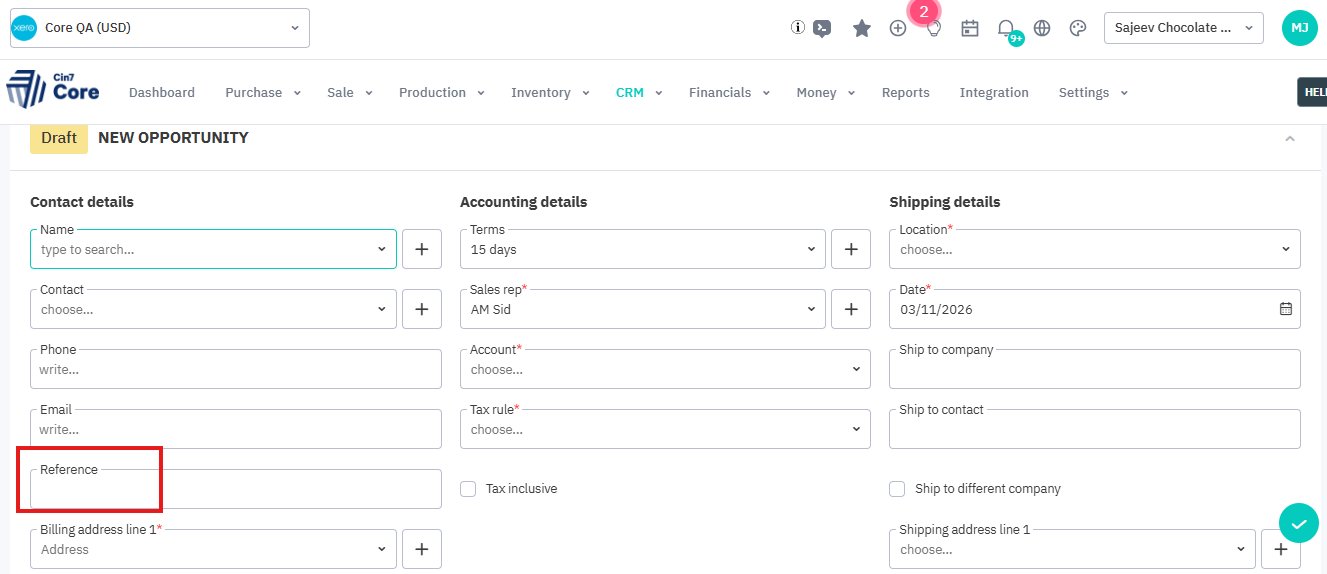
As they are entering references when creating a new opportunity, so they are seeking a way of seeing the reference at once in the opportunities list.
Related to
Comments
0 comments
Please sign in to leave a comment.